 CrossCheckTCG
A verdict on every slab it checks
For an ACE slab, whether it could get a PSA 10: PSA 10 candidate, Possible, Close call or Unlikely, with the reasons spelled out. Other crossings will get verdicts of their own.
Open a slab's listing on eBay and CrossCheck's panel does the legwork: no copying cert numbers, no squinting at borders. It reads ACE slabs today; other grading companies are on the roadmap.
For an ACE slab, whether it could get a PSA 10: PSA 10 candidate, Possible, Close call or Unlikely, with the reasons spelled out. Other crossings will get verdicts of their own.
From the listing's item specifics, else the QR code on the slab in the seller's photos, else the number printed on its label, checked against the grading company's record.
The card, set, number and grade, with Surface, Centering, Edges and Corners side by side, and a link to the cert on the grading company's site.
Both pairs of borders measured on the grading company's own images of the front and the back, at the worst point of an uneven border, the way graders judge it, each shown on a picture of the card.
Not sure? Open the card in the Adjust editor: it walks you round the corners and middles of the card edge and the border at 500%, on the front and the back, and your lines decide your own verdict.
Listings that have been checked show their verdict in eBay's search results, so the good ones stand out before you click.
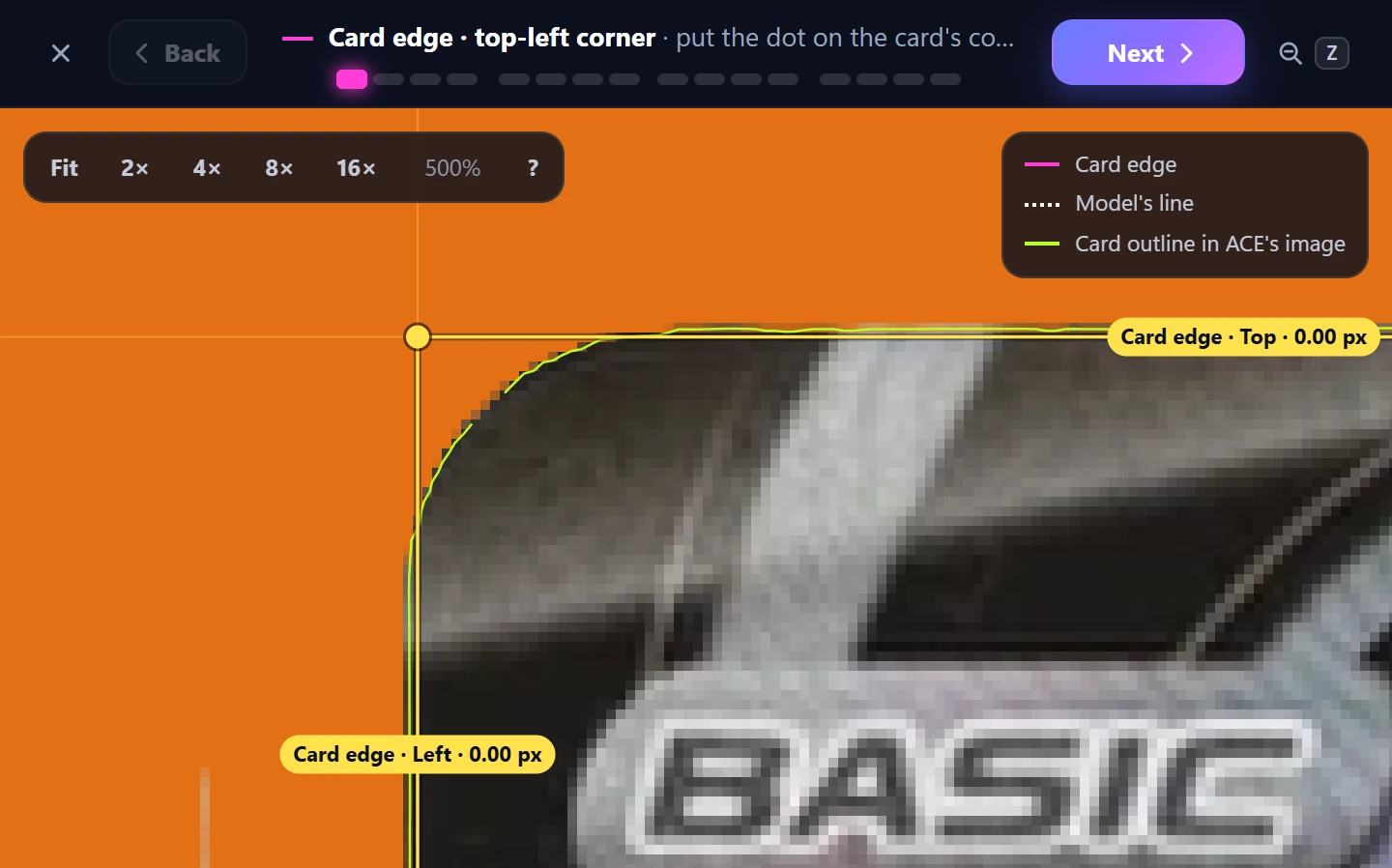
Disagree with a line? Drag it. The editor takes you round the card one step at a time, the card edge's corners and middles first and then the border's, zoomed right in, with only the lines you're placing on show. Then flip to the back and do the same.
The supporting data for your next crossover, without the slab in your hand. Join the waiting list with your Google account: we'll let you in as places open.