 SBM LabsTCG
ACE slabs
Open any eBay listing of an ACE-graded slab. SBM Labs TCG finds the cert number, looks the slab up on ACE, measures the card's centering front and back, and tells you whether it could get a PSA 10.
Open the listing
The panel opens on the right of the page by itself. The first time anyone checks a card it can take up to a minute. After that it's instant.
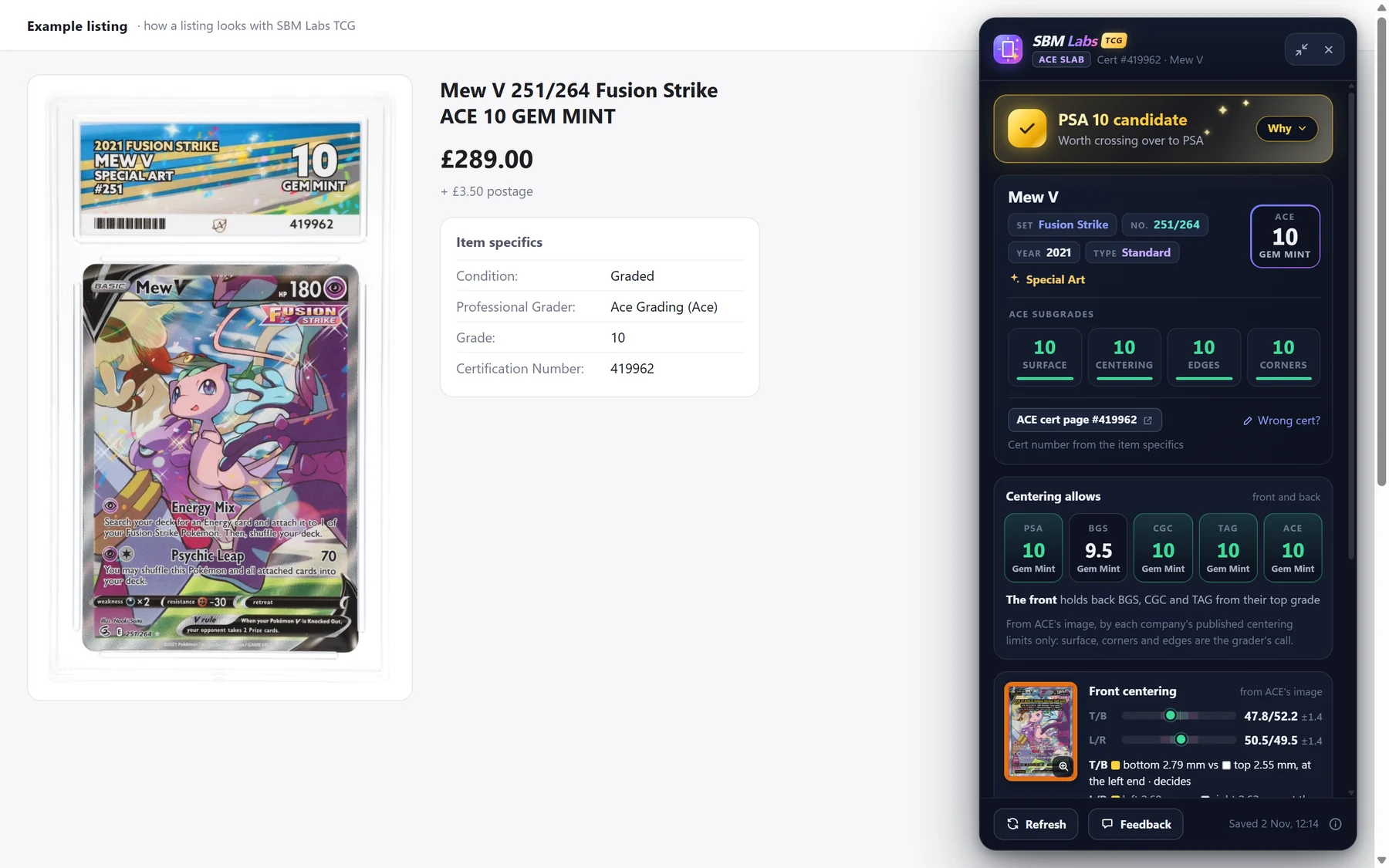
The verdict
The coloured box at the top is the answer. Gold PSA 10 candidate is the best you'll see.
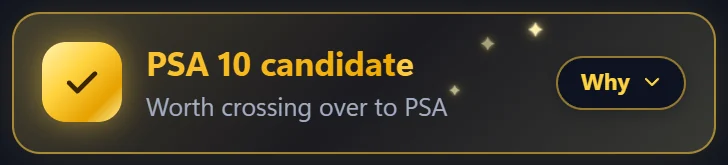
Click Why to read the reasons: the subgrades, the front and the back. Click Less to fold them away again.
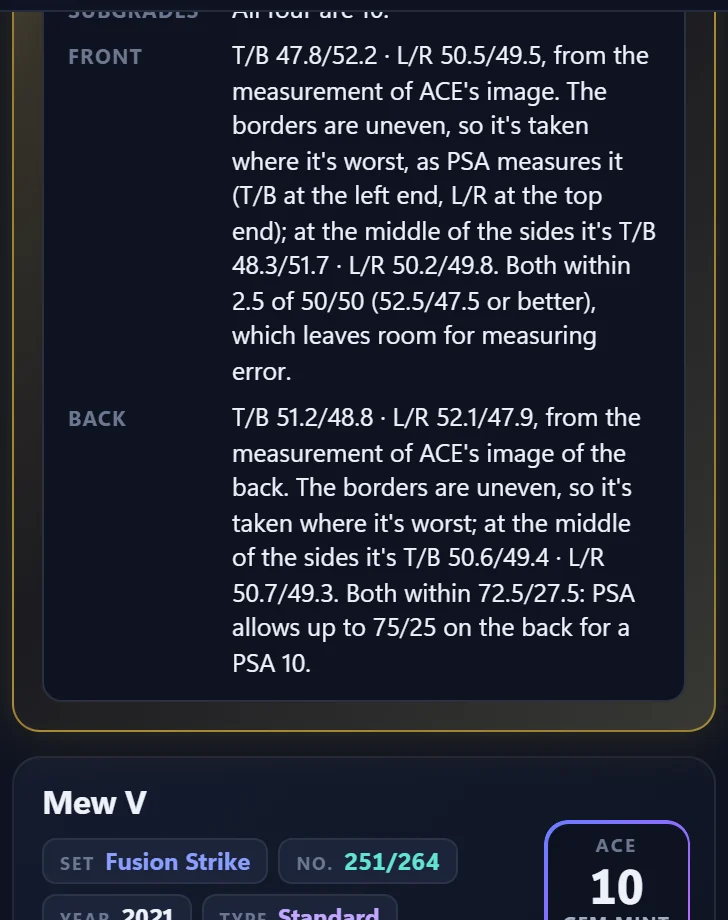
All the verdicts are explained in What the results mean.
The card and ACE's grades
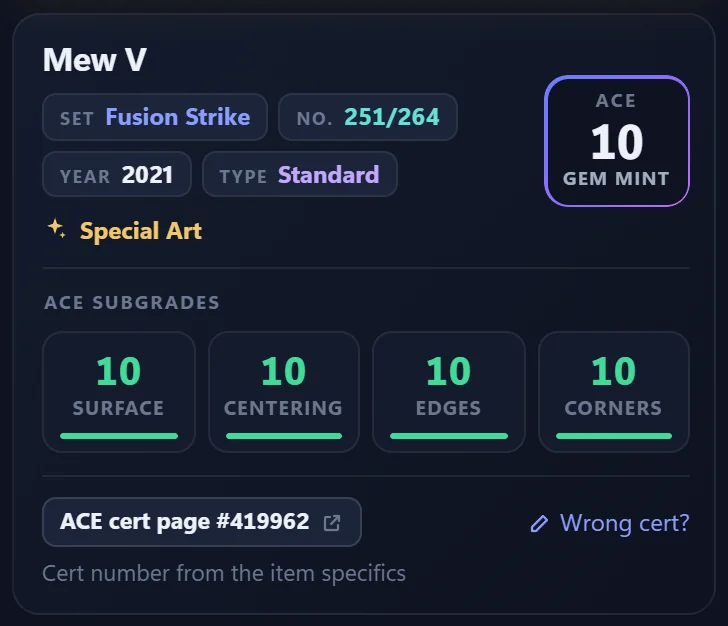
The card's name, set, number and year, ACE's grade, and its four subgrades: surface, centering, edges and corners.
ACE cert page opens the slab on ACE's own website. If the card doesn't match the listing, click Wrong cert? and type the number on the slab's label.
Centering allows
The best grade each grading company would give for the centering alone, going by the rules they publish. A green 10 is their top grade. Underneath, it says whether the front or the back holds a company back.
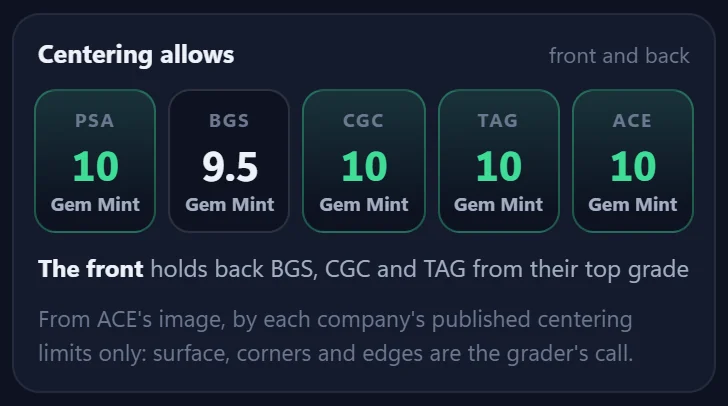
It's the centering only. Surface, corners and edges are up to the grader, with the card in hand.
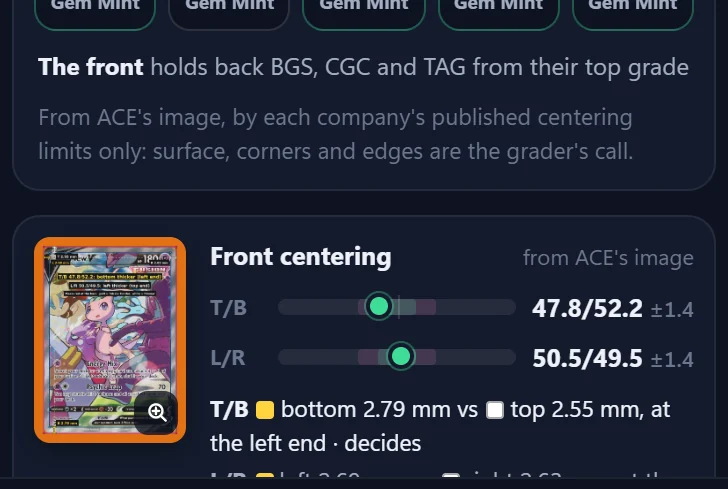
The centering, front and back
Each side is measured from ACE's own picture of the card. T/B compares the top border with the bottom, L/R the left with the right. 50/50 is perfectly centred.
Click the picture to see it bigger, with the borders marked.
The buttons
- Refresh (at the bottom) asks the server again.
- Feedback tells us something looks wrong: see Feedback and problems.
- Adjust lines (under a side's picture) lets you move the lines yourself: see Adjust the lines yourself.
- The two buttons at the top right shrink the panel to a small bar, or close it.