SBM LabsTCG
User guide Going further
Topic 5 of 8
Cards not on eBay
Got a card in your hand, or one you saw at a show or in a shop? Check it on the settings page.
Open Check a card
Click the SBM Labs TCG button in your toolbar, then Check a card in the menu on the left.
An ACE slab: type its cert number
Type the number from the slab's label and click Check. The same panel you see on eBay appears next to your list of checked certs.
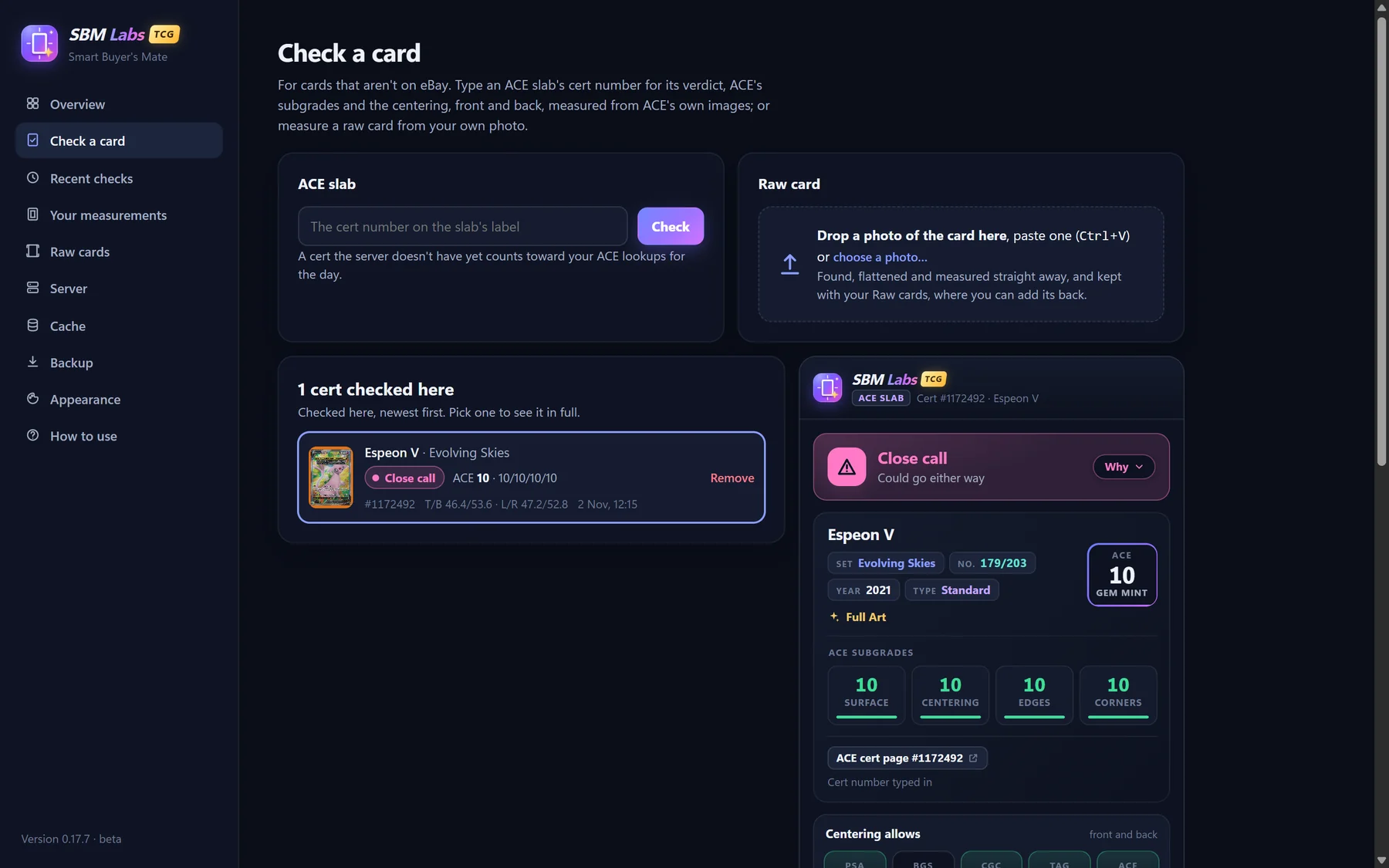
A cert number the server hasn't seen before counts toward your daily lookups.
A raw card: add a photo
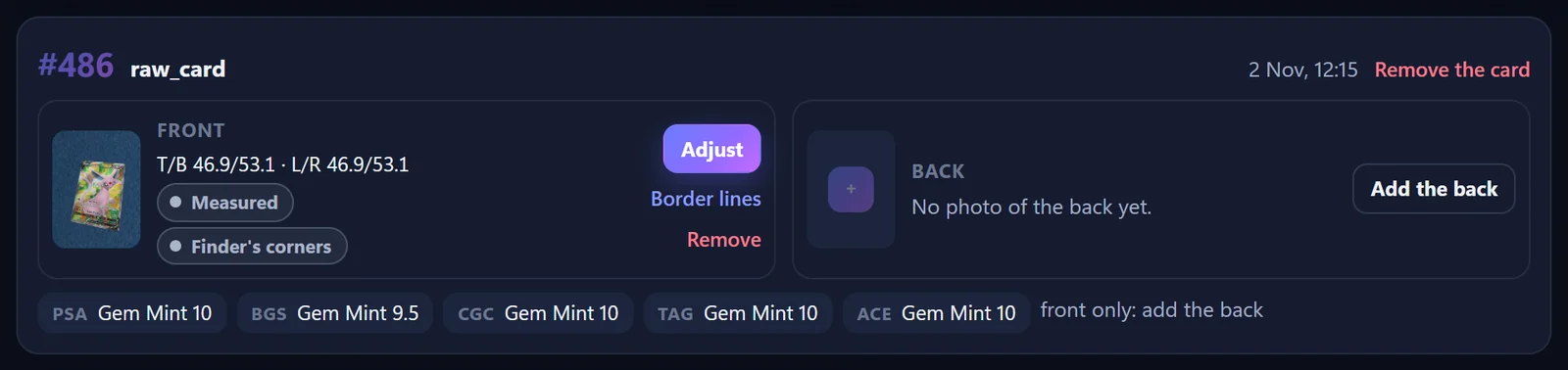
Drop a photo onto the Raw card box, paste one (Ctrl+V), or click choose a photo. It's measured straight away and kept under Raw cards, where you can add the back.